Introduction
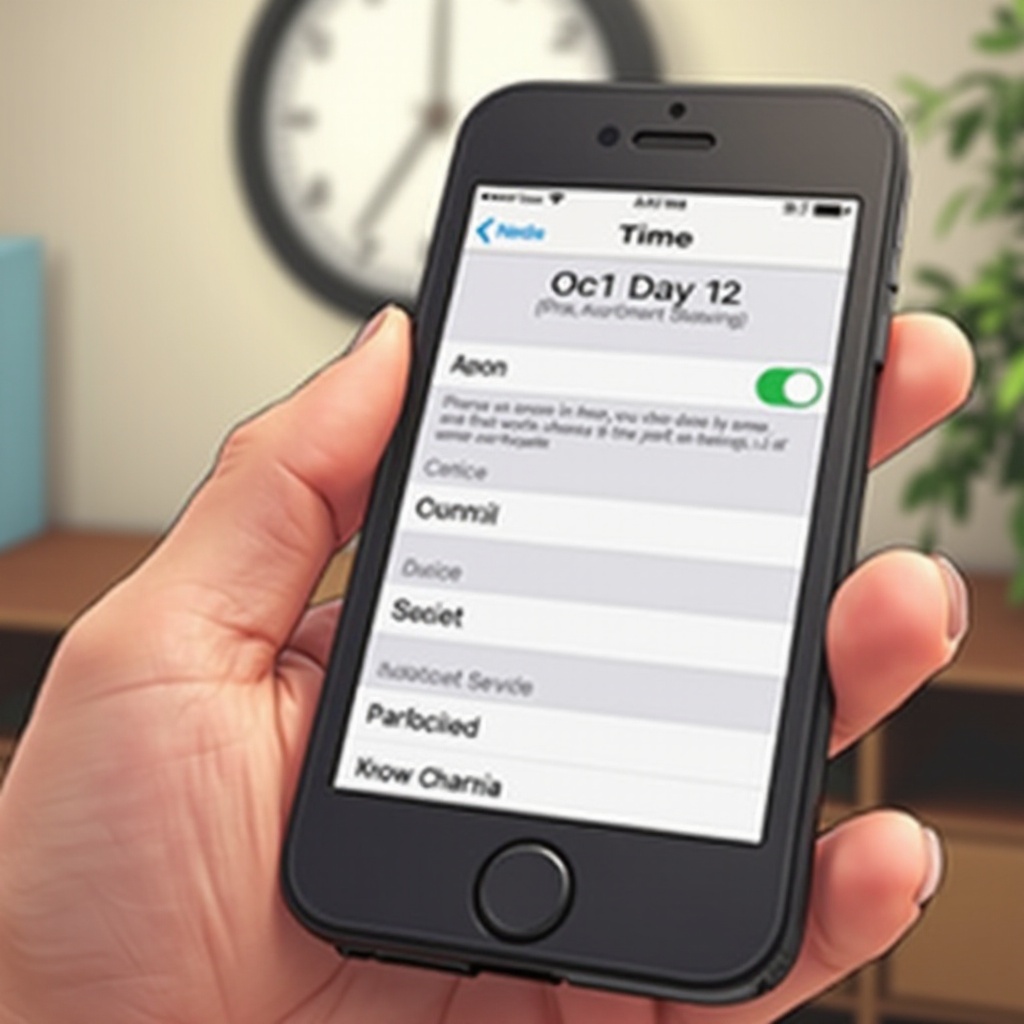
Daylight Saving Time (DST) is a semi-annual event that continues to bewilder many as it requires clocks to spring forward or fall back. As a smartphone user, you might ponder whether your device will navigate this transition automatically or if you need to manually tweak it. This article will unravel how your phone updates its time settings in response to DST, offer insights into ensuring a trouble-free transition, and delve into common hiccups you might encounter during this time change.
Understanding Daylight Saving Time
Daylight Saving Time is the practice of setting clocks forward by an hour in spring and winding them back in autumn to make better use of daylight. Originally introduced during the World Wars to save energy, its efficacy and impact on energy conservation and health are still debated today. Notably, DST is not a universal practice, with some regions opting out, adding to the confusion for travelers and businesses.
The timing and implementation of DST vary in countries that observe it, making it imperative to understand how it applies to your locality. It also highlights the importance of having devices that can adapt to these shifts without a hitch.
How Smartphones Automatically Adjust for Daylight Saving Time
Modern smartphones are built to simplify life, including automatically adjusting the time for DST. Through network-provided time settings, your phone uses cellular signals or Wi-Fi to remain updated and accurate. As long as your phone is connected, it can adjust seamlessly when the DST switch occurs, thanks to information from network servers.
Operating systems like iOS and Android have inbuilt features to manage these changes without user intervention. They utilize the device’s location data, cross-referencing it with regional time preferences to make accurate adjustments. Most phones will notify you of the change, ensuring that you are always aware of the current time configuration.
Ensuring Successful Automatic Time Updates
To guarantee your smartphone smoothly transitions during DST, ensure that automatic time settings are activated. Navigate to your settings, and verify that ‘Automatic Date & Time’ and ‘Automatic Time Zone’ are enabled. This configuration ensures your device leverages accurate network time updates.
Additionally, keeping your phone’s software and apps up-to-date is advisable, as these updates often contain essential time zone data patches. Should you find yourself in an area with a weak cellular signal, connecting to a stable Wi-Fi network before the anticipated time change can help secure accurate timing updates.
Common Challenges with Automatic Time Updates
While modern smartphones are generally dependable, they are not immune to issues. If your phone isn’t connected to a network, time shifts might be delayed. Software bugs can occasionally interfere, resulting in unexpected problems like disrupted alarms or unsynced calendar notifications.
Troubleshooting and Manual Adjustments
If you notice that your phone didn’t automatically update its time, toggling airplane mode on and off can reset your network connection, prompting your device to reevaluate and fetch the current time settings. Restarting your phone is a straightforward solution as well.
In scenarios where automatic updates are unsuccessful, manually adjusting the time is a viable option. Go to your date & time settings, disable automatic options, and set the correct time and date according to local DST schedules. Remember to revert back to automatic settings once the updates stabilize.
Preparing Your Smartphone for Daylight Saving Time
Preparation is key to ensuring that your phone transitions through DST without a hitch.
- Charge your phone in advance, allowing manual interventions if needed.
- Regularly back up your data, making room for any crucial software updates that support DST adjustments.
- Post-update, synchronize your alarms and calendar events manually to avoid missed engagements.
- Prefer Wi-Fi over cellular networks if your data signal is inconsistent, as Wi-Fi generally provides steadier connectivity for receiving time updates.
Advanced planning ensures your phone is ready to adapt, safeguarding you from potential DST-related complications.
Conclusion
Although Daylight Saving Time can create a temporary ripple of confusion, understanding how to prepare your smartphone for this biannual shift ensures minimal disruption. Modern devices typically manage these changes efficiently, but occasional checks and updates are necessary to maintain reliability. By staying proactive with your device settings, you can navigate DST smoothly, maintaining your schedule without compromise.
Frequently Asked Questions
What Should I Do If My Phone Doesn’t Update Automatically?
Check your network connections, especially if you’re in a weak signal area, toggle airplane mode, restart your device, or set the time manually.
Do All Phones Update for Daylight Saving Time?
Most modern smartphones do, as long as they’re configured to receive network signals and have updated software. Older models may need manual time changes.
How Does Daylight Saving Time Affect Time Zones Differently?
Daylight Saving Time varies globally. Some regions do not observe it, and others may start or end DST on different dates, affecting time zone coordination.