Introduction
Joy-Con controllers are crucial for an immersive Nintendo Switch gaming experience. These compact devices house batteries that need to be consistently charged for uninterrupted play. This guide will walk you through each step of the charging process, explore various tools and techniques, and address common issues.
Understanding Joy-Con Charging
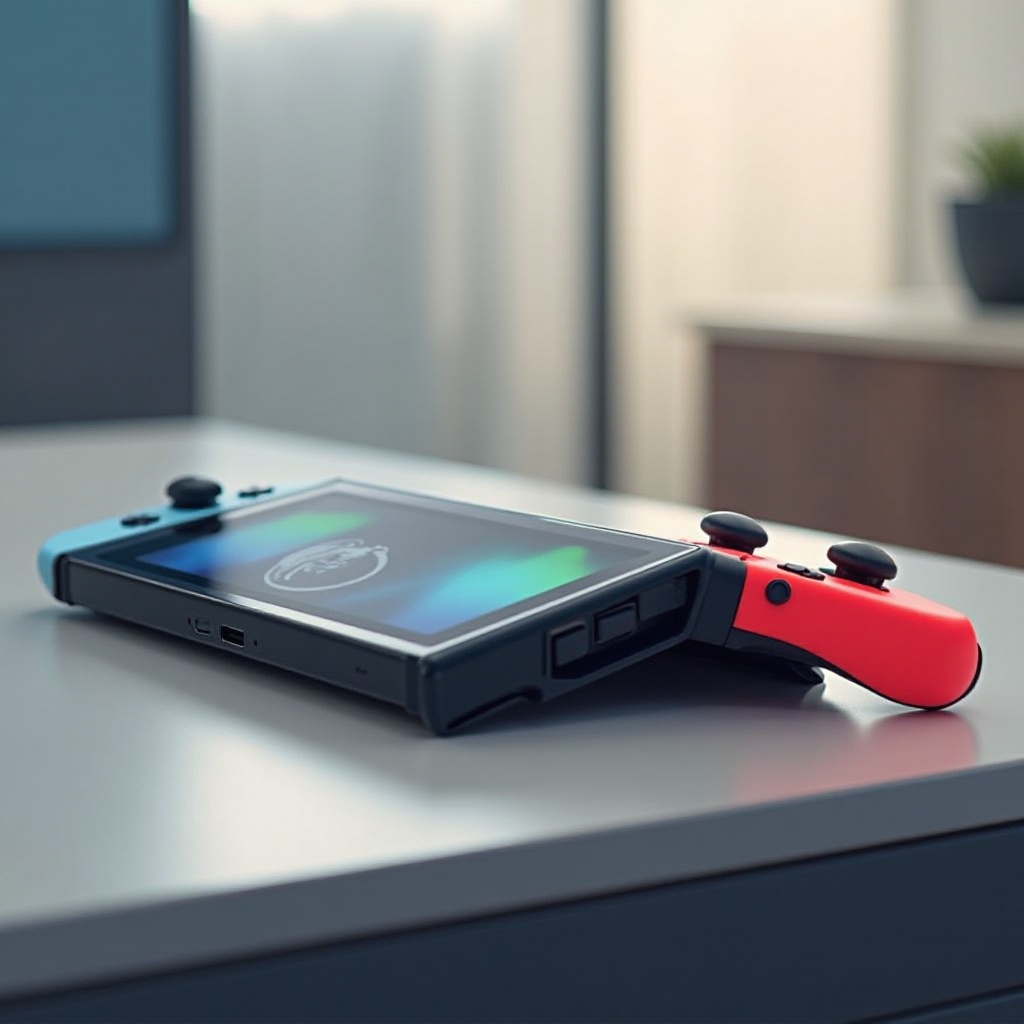
Joy-Con controllers feature lithium-ion batteries that can be charged through a few different methods. By knowing the mechanics, you can choose a suitable charging method based on your gaming habits.
Joy-Con Battery and Design: These compact devices contain efficient batteries designed to last for hours of gameplay. Ensuring proper charging methods maintain their longevity.
Types of Charging Methods: Charge your Joy-Cons using the Nintendo Switch console, a charging grip, or specific docks. Each option varies in convenience and utility, allowing flexibility in maintaining your controllers.
Step-by-Step Charging Guide
Here are detailed steps to keep your Joy-Cons powered.
- Charging Through the Nintendo Switch Console: Slide your Joy-Cons into the console when docked. This naturally initiates charging, perfect for concurrent charge and play.
- Using the Joy-Con Charging Grip: Engage the charging grip, a unique accessory, which charges via USB while allowing play.
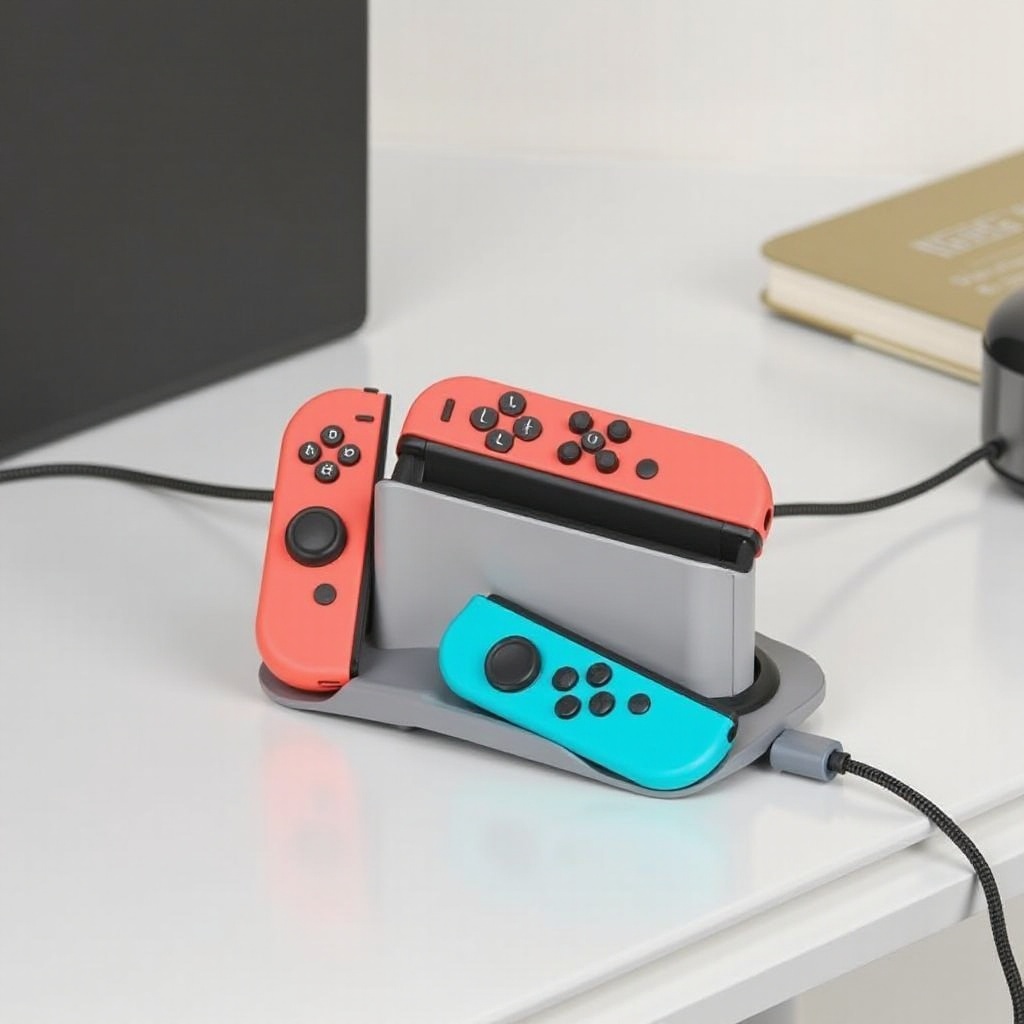
- Utilizing a Charging Dock: Purchase a dedicated dock. Such devices charge multiple Joy-Cons simultaneously, ideal for households with several controllers.
These highlighted methods offer various advantages depending on your lifestyle and setup, paving the way to further explore charging accessories in the following section.
Exploring Charging Accessories
Accessories enhance your charging options, providing ease and efficiency.
Top Joy-Con Charging Docks: Opt for docks equipped with LED indicators and fast-charging capabilities. Consider brands like PowerA and Nyko, known for reliability and capacity to charge several Joy-Cons at once.
Recommendations for Portable Chargers: Use power banks with USB-C ports for portability. Anker’s PowerCore series is highly regarded for charging on the go.
Explore these accessories to ensure your Joy-Cons are charged no matter your location. This leads into crucial tips on how to maintain the health of your Joy-Con batteries.
Tips for Maintaining Battery Health
It’s vital to adopt charging practices that extend the life and efficiency of your Joy-Con batteries.
Power-Saving Settings: Activate power-saving features on your Nintendo Switch, which help conserve battery life during gaming sessions.
Avoid Overcharging and Temperature Tips: Prevent prolonged charging and exposure to extreme temperatures, both of which can damage battery health.
Maintaining battery health through these strategies will support your gaming activities. Understanding how to troubleshoot further ensures you can handle minor glitches.
Troubleshooting Charging Problems
If your Joy-Cons face charging issues, here’s how to solve them:
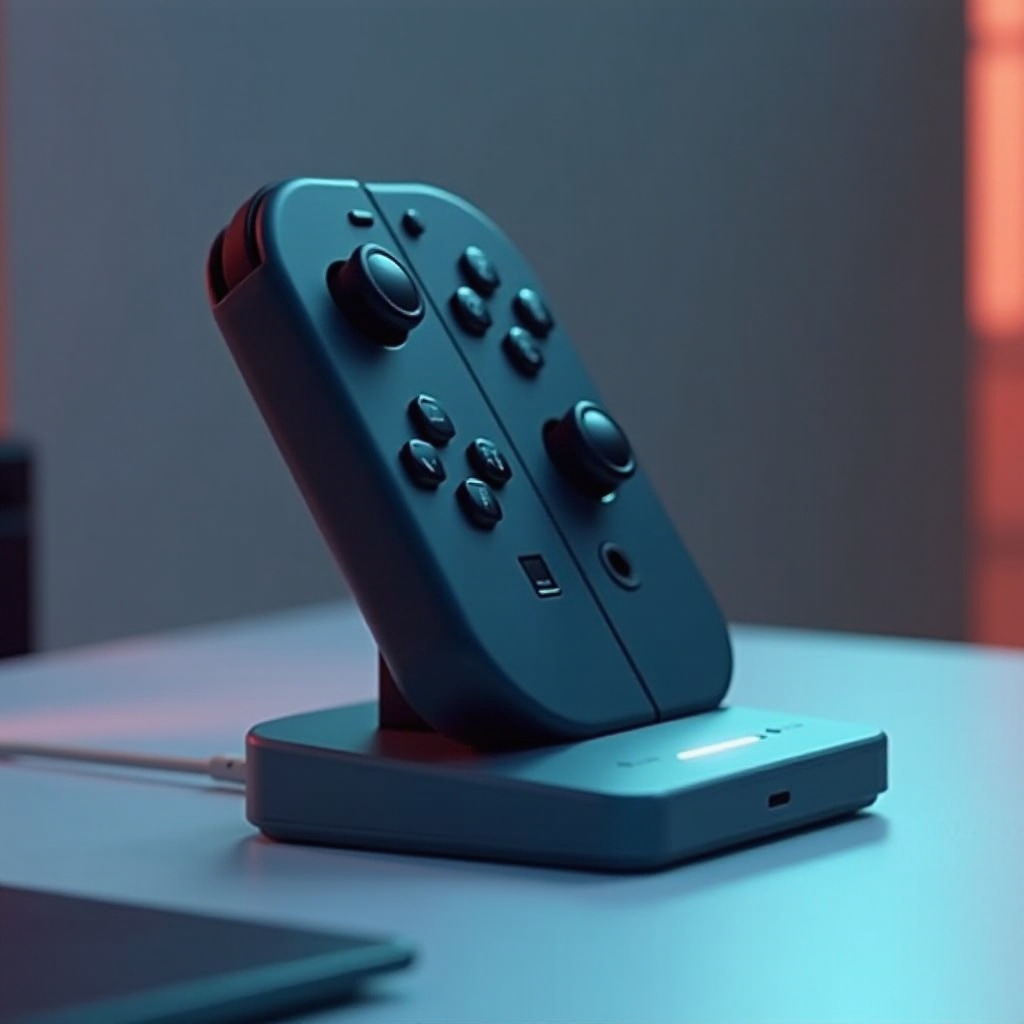
Common Charging Issues: Dirt in contacts or faulty charging gear can impede effective charging. Regular cleaning can help.
When to Contact Support: Persistent issues point to underlying malfunctions. Consider reaching out to Nintendo Support for guidance and potential repairs.
Having this fundamental troubleshooting knowledge bolsters your capability to keep your Joy-Cons in optimal condition. Alongside this, adopting certain habits enhances your overall gaming experience.
Pro-Tips for Extending Battery Life
Pairing proper charging with mindful practices can significantly benefit your Joy-Con’s lifespan.
Regular Battery Checks: Monitor battery levels through your Nintendo Switch home menu, ensuring prompt action if needed.
Best Practices for Longevity: Keep Joy-Cons detached when not in use. Avoid deep discharges, recharging them around the 20% mark.
Implementing these habits ensures long-lasting enjoyment with your Joy-Con controllers.
Conclusion
Ensuring Joy-Cons are optimally charged enhances your gaming sessions. Understanding charging techniques, utilizing the right accessories, and adopting healthy habits ensure you’re always ready for the next level. Incorporate these strategies to maintain consistently charged Joy-Cons.
Frequently Asked Questions
How Long Does it Take to Charge Joy-Cons?
It typically takes about 3 hours using standard methods to fully charge Joy-Cons.
How Can I Tell If My Joy-Cons Are Fully Charged?
Check the battery icon on the Nintendo Switch home screen to see if the charge is complete.
What Should I Do If My Joy-Cons Aren’t Charging?
Clean contact points and try alternate methods. Persistent issues may require contact with Nintendo Support.