Introduction
Screen burn-in is a common issue impacting many smartphones and leaves unwanted ghostly images on displays. This aesthetic flaw can undermine your device’s functionality and overall appeal. Understanding the reasons behind this phenomenon and how to counteract it can save you both time and money. This guide delves into the nature of screen burn-in, its causes, identifiable symptoms, and practical preventative measures to keep your screen flawless.
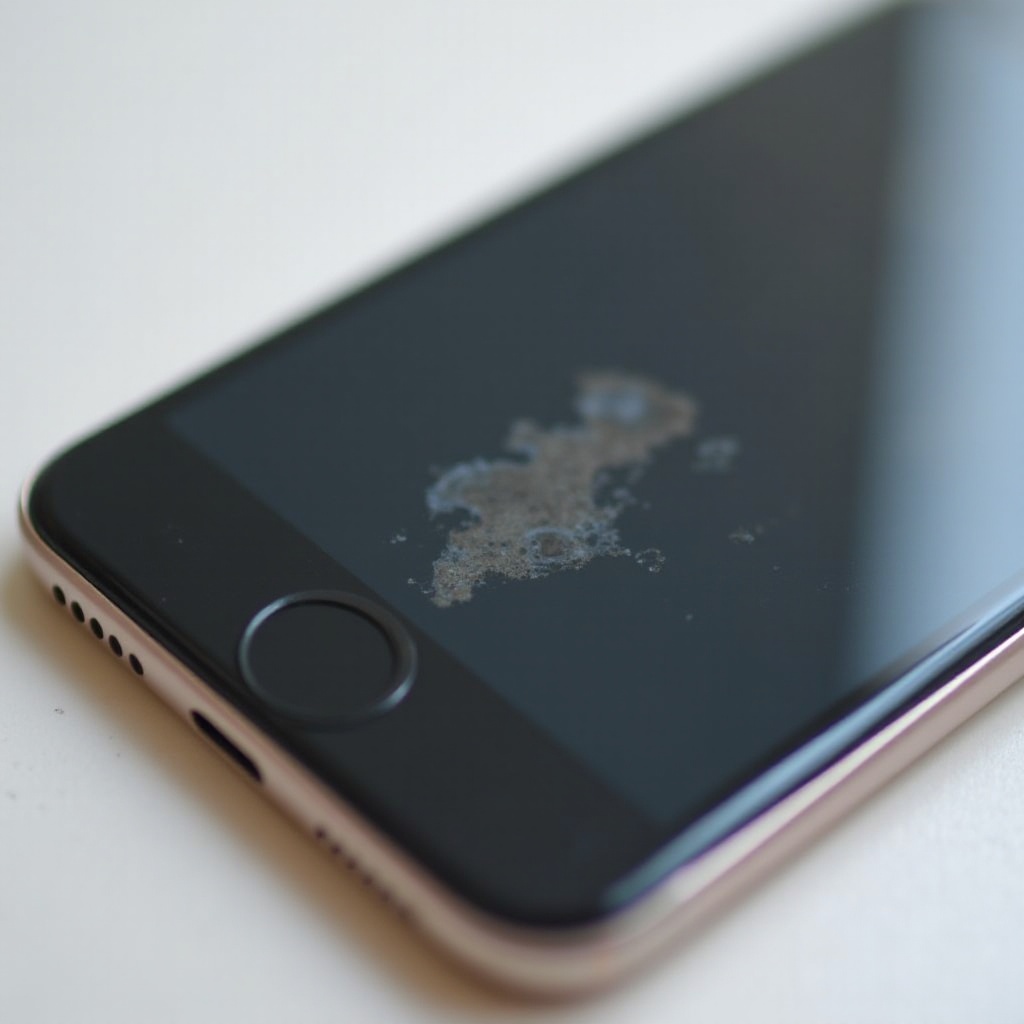
What is a Burned Phone Screen?
Screen burn-in, or screen burn, is a noticeable discoloration or shadow effect on the display caused by continuous exposure to static images. It is particularly prevalent in OLED and AMOLED screens due to their self-emissive nature. Recognizing the specifics of screen burn-in lays the groundwork for tackling the issue effectively.
Causes of Screen Burn-In
Delving into screen burn-in requires understanding its root causes:
1. Prolonged Display of Static Images: Frequent long-term display of static elements, such as navigation bars or keyboards, can imprint lasting images on screens as pixels don’t refresh.
2. High Brightness Levels: Consistently high brightness can expedite screen burn-in because it strains pixels.
3. Use of Certain Apps: Apps requiring minimal screen changes, like static games or GPS, often contribute significantly to screen burn-in.
Recognizing these factors is pivotal for both identifying and taking actions to prevent screen damage.
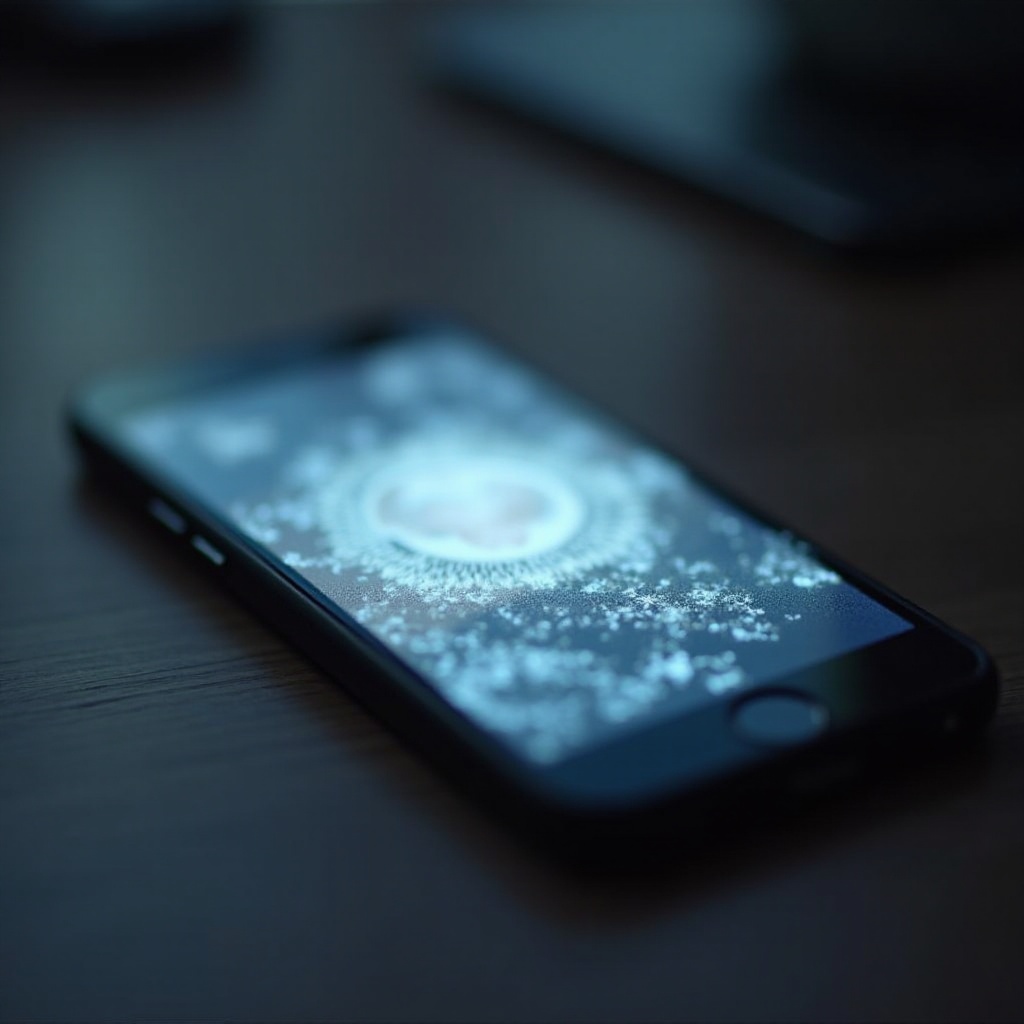
How to Identify Screen Burn-In
To handle screen burn-in adeptly, know how to spot it:
1. Visual Symptoms: Ghost images are mainly visible under solid color displays, revealing the extent of burn-in.
2. Testing Methods: Utilize specific images that highlight uniform colors or grids. Such visuals will assist in identifying inconsistencies linked to screen burn-in.
3. Diagnostic Apps and Tools: Apps are available that offer patterns or colors designed to identify and evaluate burn-in severity.
Armed with identification techniques, users can better manage screen health and employ preventative measures proactively.
Tips for Preventing Phone Screen Burn-In
Preventative steps are vital in maintaining screen integrity:
– Adjust Screen Settings: Reduce brightness to less stressful levels for pixels. Adaptive brightness settings can assist in maintaining optimal levels.
– Use Adaptive Brightness: This feature dynamically modifies brightness based on the environment, decreasing continuous brightness stress on pixels.
– Implement Dark Mode: Opting for dark mode in apps lowers power usage and diminishes full-brightness pixels exposure.
– Reduce Static Content Exposure: Rotate wallpapers frequently and employ screen savers to minimize static image strain.
Proactively following these guidelines will extend the functional life of your screen and help maintain its quality.
Solutions for Dealing with Burned Screens
Experiencing burn-in doesn’t mean it’s unmanageable. Consider these remedies:
– Software Solutions and Apps: Apps offering color cycling or pattern shifts might alleviate minor burn-in by recalibrating the screen.
– DIY Home Remedies: Utilizing static screensavers, running pixel refreshers, or massaging the screen gently could sometimes lessen burn-in visibility.
– Professional Repair Options: In severe cases impacting functionality, professional repair services providing screen replacement or advanced techniques might be necessary.
These measures play a crucial role in enhancing screen performance and enriching the lifespan of your smartphone.
Conclusion
Screen burn-in poses a significant issue by interfering with device usability and visual appeal. Grasping its causes, symptoms, and prevention methods can significantly mitigate its effects. Being proactive in maintaining your device’s screen quality will ensure longevity and sustained performance.
Frequently Asked Questions
What is the difference between screen burn-in and dead pixels?
Screen burn-in involves ghost images from static images, while dead pixels remain permanently on or off, not emitting light.
Can screen burn-in be reversed?
While severe burn-in is often permanent, minor cases may improve with screen calibration apps or professional repair.
How can I prevent my AMOLED screen from burning?
To minimize burn-in, adjust brightness, enable dark mode, avoid static images, and utilize adaptive settings for reduced pixel stress.