Introduction
The Nintendo Switch Lite stands out for its portable and affordable design, but can it accommodate Joy-Con controllers? Many gamers ask this question hoping to expand their play style and options. This guide provides the answer and includes a detailed look at the compatibility and step-by-step instructions you need to connect Joy-Cons to your Switch Lite, thereby enhancing your gaming experience.
Understanding the Nintendo Switch Lite and Joy-Cons
Let’s examine what these devices offer, starting with the basics.
Overview of Nintendo Switch Lite Features
The Nintendo Switch Lite is a dedicated handheld version of the original Nintendo Switch. Known for its sleek, compact design, the Lite version aims to provide a streamlined gaming experience on the go. It costs less than the original Switch, offering an integrated control layout and no TV connectivity for solo gaming enthusiasts.
Joy-Con Controller Capabilities
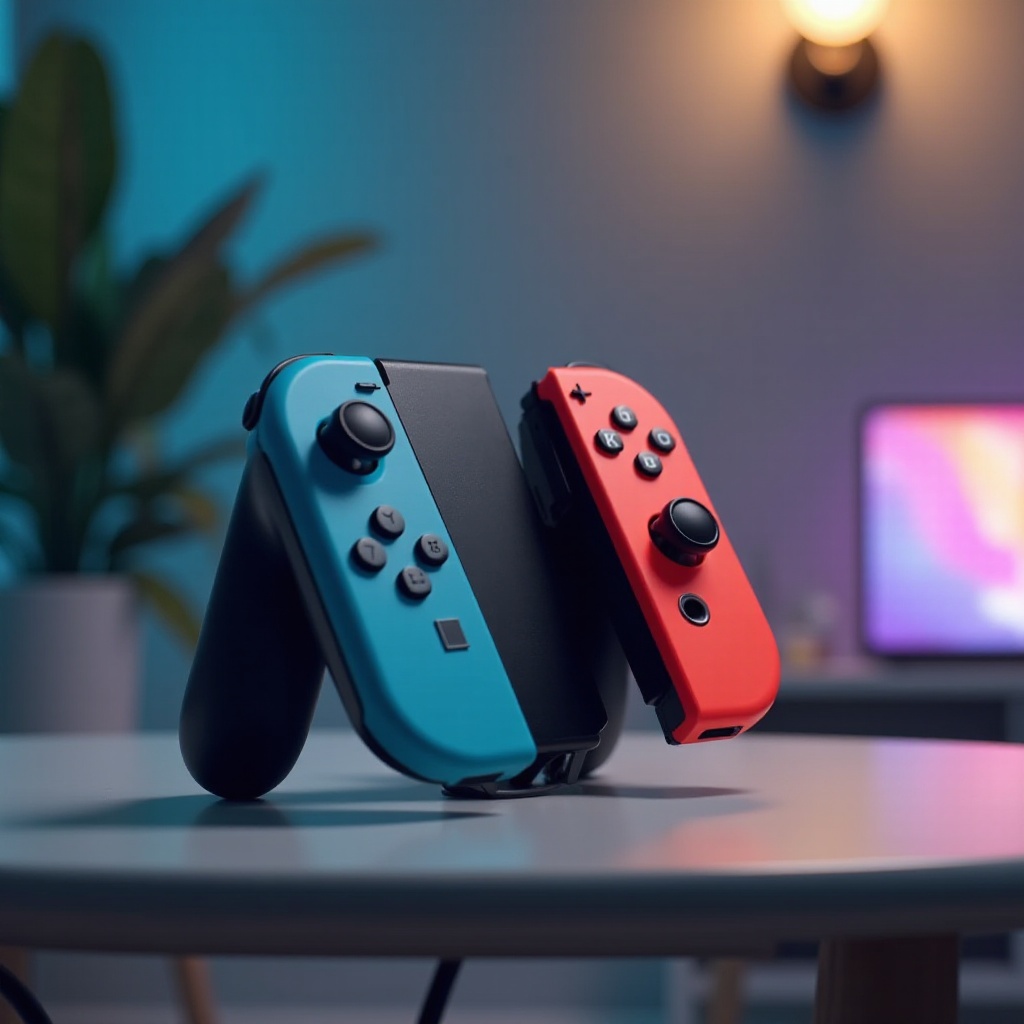
Joy-Con controllers are versatile add-ons that expand the functional capabilities of the Switch consoles. Each Joy-Con features motion-sensing, HD Rumble, and can be used independently in multiplayer games. Their layout allows two players to share a single Joy-Con each or use them together for a single-player experience.
Compatibility Between Joy-Cons and Switch Lite
Understanding compatibility helps manage expectations and optimize gameplay.
Benefits of Connecting Joy-Cons
Connecting Joy-Cons enhances gameplay by introducing the use of motion controls and allowing multiplayer options. This is particularly beneficial for games designed to leverage Joy-Con features, thus extending the variety of playable games on Switch Lite.
Compatibility Scenarios and Limitations
While pairing Joy-Cons with a Switch Lite is possible, some Joy-Con-specific functions like HD Rumble and IR camera may not perform as expected. Awareness of these limitations will help you use your setup effectively.
Step-by-Step Guide to Connecting Joy-Cons to Switch Lite
Connecting Joy-Cons involves several clear steps to ensure a successful setup.
Preparing the Console and Controllers
- Ensure your Switch Lite and Joy-Cons are fully charged.
- Update your Switch Lite to the latest system firmware.
Detailed Connection Steps
- Turn on your Switch Lite and access the Home menu.
- Remove Joy-Cons from any other setup.
- Hold the small pairing button on each Joy-Con until the lights flash.
- Select ‘Controllers’ on your Switch Lite’s main menu.
- Choose ‘Change Grip/Order’ to start searching for Joy-Cons.
- Once detected, select and connect the Joy-Cons to complete pairing.
Practical Tips for Pairing Success
- Minimize interference by positioning Joy-Cons close to the console during pairing.
- Keep other wireless devices away to ensure a stable connection.
Enhancing Your Gaming Experience with Joy-Cons
Connecting Joy-Cons opens up multiple ways to enjoy games on the Switch Lite.
Multiplayer and Motion Control Advantages
Utilizing Joy-Cons makes local multiplayer gaming possible. Games supporting motion control provide an interactive and immersive experience, allowing you to enjoy certain titles’ unique play-styles.
Comparing Joy-Cons with Other Controllers
While Joy-Cons offer dynamic functionalities, the Switch Lite also supports other controllers like the Pro Controller. Exploring these options helps tailor your gaming setup, depending on game type and personal preference.
Troubleshooting Common Issues
Let’s explore troubleshooting solutions for potential connectivity issues with Joy-Cons.
Identifying Common Connection Problems
- Joy-Cons may fail to sync with Switch Lite.
- Connectivity could drop frequently.
Effective Solutions and Workarounds
- If Joy-Cons do not sync, restart your Switch Lite and try again.
- Ensure an unobstructed connection to maintain clear signals.
- Reset Joy-Cons using the small round button on the rail connections.
Conclusion
Pairing Joy-Cons with a Switch Lite can greatly enhance your gaming experience, allowing for multiplayer functions and motion-controlled gameplay. While some features are not fully supported, the ease of connection outweighs these limitations. Utilize this guide for effortless Joy-Cons integration and enjoy richer gaming on your Switch Lite.
Frequently Asked Questions
Can all games be played with Joy-Cons on Switch Lite?
Not all games support Joy-Con play. Check game details for compatibility.
Do you need additional accessories to connect Joy-Cons to Switch Lite?
No extra accessories are needed, but a charging grip can keep Joy-Cons powered.
How do I update Joy-Con firmware with Switch Lite?
Connect Joy-Cons to your Switch Lite, navigate to ‘Controllers and Sensors’ in settings, and check for updates.