Introduction
Struggling with a left AirPod that refuses to charge can be frustrating, causing interruptions you might not have anticipated. AirPods deliver exceptional convenience and performance, but technical hiccups can arise, disrupting your listening experience. Understanding why these issues occur and how to troubleshoot them is crucial for anyone relying on these wireless earbuds for music, calls, and more. This guide will explore common charging problems, offer step-by-step solutions, and detail advanced fixes. Whether you’re a seasoned AirPods user or new to Apple’s product line, this comprehensive manual aims to restore your headphones to full functionality.
Understanding AirPods Charging System
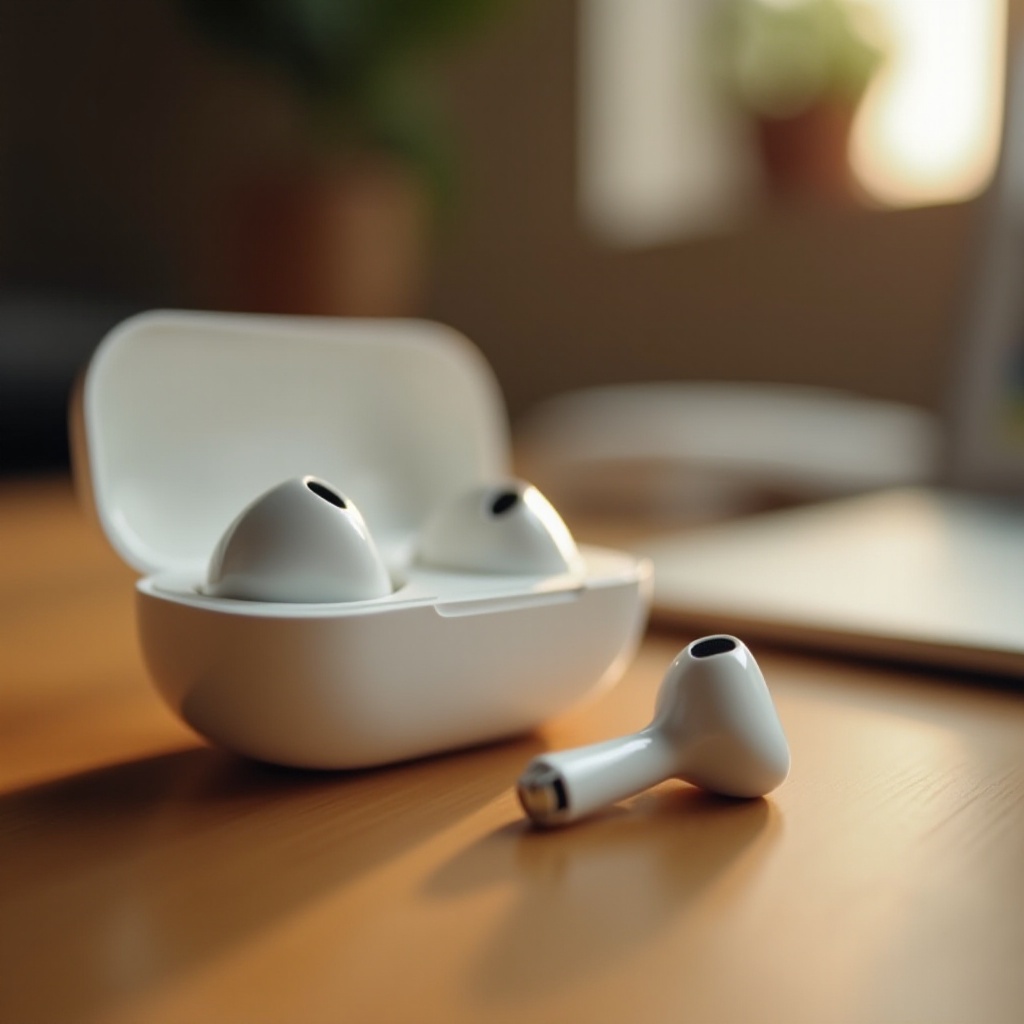
The AirPods charging system is ingeniously designed to deliver convenience and efficiency. Each AirPod is powered by a rechargeable lithium-ion battery, storing power derived from the charging case. This portable case charges through a Lightning cable and can power both AirPods simultaneously when properly seated. When charging issues arise, the interplay between these components often requires attention. Familiarity with the basic elements of the AirPods charging mechanism is essential for diagnosing problems effectively.
Understanding how your wireless earbuds and their case work together provides insights into potential points of failure. Gaining knowledge of this synergy will prepare you for the troubleshooting steps outlined further in this guide.
Common Reasons Your Left AirPod Might Not Be Charging
Several issues could cause your left AirPod to stop receiving a charge. Diagnosing these issues involves examining the hardware and environmental factors that could interrupt normal functioning. Let’s dive into these common causes to better understand what might be going wrong.
Dirt and Debris in the Charging Port
Over time, dust, lint, or other debris may accumulate in the charging port of the case or on the charging connectors of the AirPods. This obstruction can lead to weak connections and, ultimately, prevent your left AirPod from charging.
Misalignment in the Charging Case
For AirPods to charge, each must be properly aligned in the charging case. Misalignment can occur due to a rigid position of the AirPod or obstacles within the case that stop it from making contact with the charging connectors.
Battery Health Issues
Another suspect could be battery health degradation. Lithium-ion batteries in AirPods have a finite lifespan, and over time, they hold less charge. If one AirPod isn’t holding a charge, you may be dealing with a battery health concern.
These typical causes provide an overview of the more detailed solutions in the following section that aims to restore your AirPods functionality.
Step-by-Step Troubleshooting Solutions
Upon identifying the potential reasons your left AirPod may not charge, a systematic approach to troubleshooting can rectify the problem. Here are specific solutions to try:
Cleaning the Charging Port and AirPods
- Inspect and Clean: Look inside both the charging port and contact points on the AirPods. Use a dry, soft brush to remove any dirt.
- Use Isopropyl Alcohol: Moisten a cotton swab with isopropyl alcohol and gently clean the metal contacts.
Ensuring Proper Alignment in the Case
- Re-seat AirPods: Remove and gently reinsert the AirPod into the case. Ensure it’s in place and close the lid securely.
- Check for Obstructions: Inspect the case for debris and remove anything causing a misalignment.
Resetting Your AirPods
- Open Settings: On your iPhone, go to ‘Settings’ > ‘Bluetooth’, find your AirPods.
- Forget Device: Tap on the ‘i’ icon next to your AirPods and select ‘Forget This Device.
- Reset: Place AirPods in their case, keep the lid open, and press and hold the setup button on the back of the case for around 15 seconds until the status light flashes amber.
These fundamental steps often correct the most common charging issues and restore proper connection and communication.
Advanced Fixes for Persistent Issues
If basic troubleshooting does not resolve the issue, more advanced techniques might be necessary. Understanding these advanced steps enhances your chances of restoring full functionality.
Battery Calibration Techniques
Try draining both AirPods completely, then recharge them to full capacity. Regular calibration can identify faults in battery performance and correct any irregularities.
Using Different Cables and Adapters
A faulty cable or adapter can also prevent the AirPods from charging. Always use the original cable or a certified replacement to check the functionality.
Software Updates and Diagnostics
Check if a firmware update is available. Keeping software updated can prevent charging and connectivity problems. Pair AirPods again following any updates to confirm improvements.
Advanced techniques might demand patience but often correct harder-to-diagnose issues related to charging.
Preventive Measures to Avoid Charging Problems
Taking proactive steps can deter charging issues from appearing, ensuring longevity and functionality of your AirPods. These measures help to maintain optimal performance and reduce disruptions.
Routine Maintenance Practices
Regularly clean the AirPods and their case, removing dirt and debris before a problem develops. Routine checks can reduce the risk of obstructions impacting charging.
Proper AirPod Storage Tips
Store AirPods in their case when not in use. It prevents loss, minimizes risk of external damage, and ensures they are constantly charged and ready.
Monitoring Battery Health
Use the iOS battery widget to monitor AirPods’ battery health, watching for declines that could indicate the need for service.
These preventive measures maintain performance and reduce frequency of issues leading to frustration and inconvenience.
When to Seek Professional Help
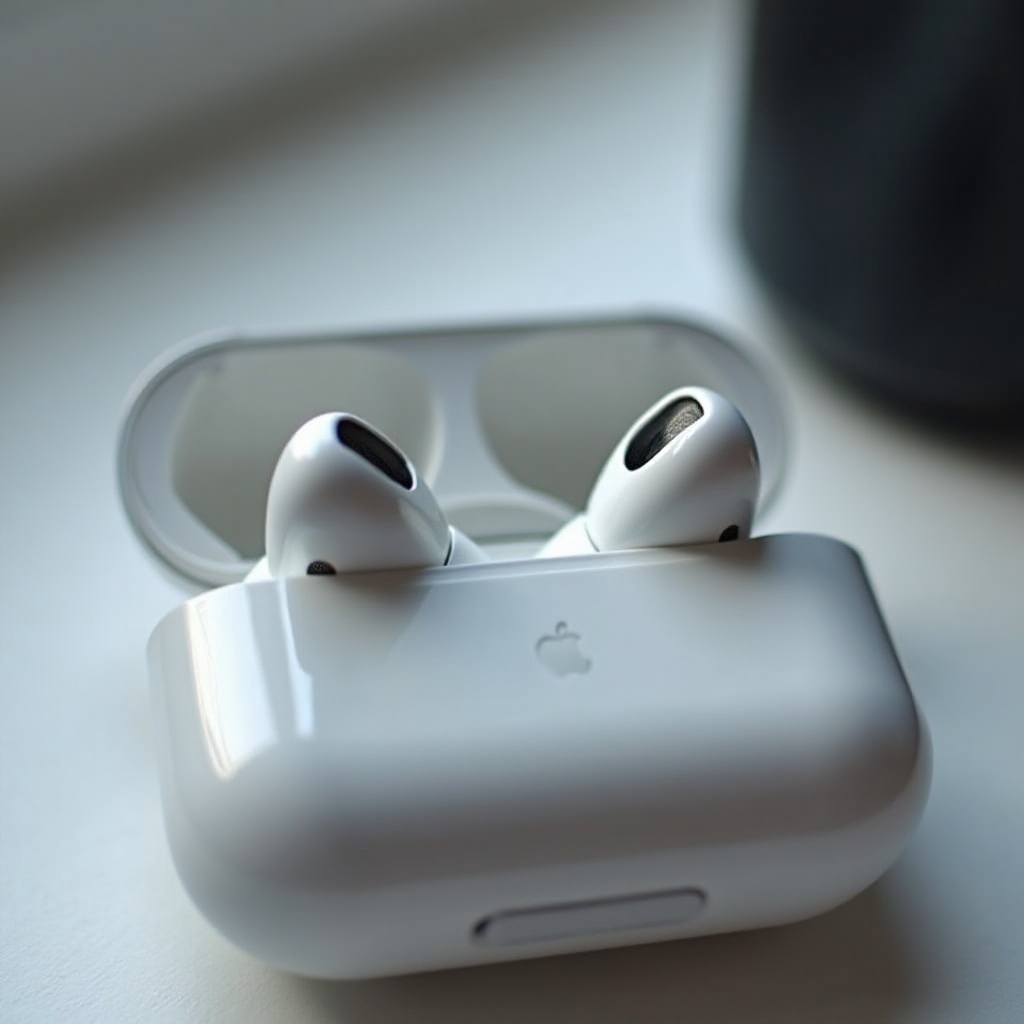
Persisting issues beyond your technical skill or comfort level might require professional assessment. If AirPods refuse to charge, service from Apple or a licensed repair center will ensure the integrity of diagnostics and repairs. Resorting to professional support provides guarantees and reassurance beyond DIY methodology, extending the lifespan of your equipment through expert care.

Conclusion
Addressing the left AirPod charging issue involves an understanding of the hardware, diligent troubleshooting, and preventive maintenance. This guide outlines comprehensive steps to solve most problems independently and provides insights into when expert help is necessary. Follow these guidelines, and your AirPods will hopefully resume working without missing a beat.
Frequently Asked Questions
How do I reset my AirPods?
To reset your AirPods, place them in the charging case, open settings on your device, and forget the AirPods under Bluetooth. Then press and hold the setup button on the case until the light flashes amber.
What should I do if cleaning my AirPods doesn’t work?
If cleaning doesn’t work, check for correct alignment in the case, try using a different cable, or consider resetting your AirPods following the aforementioned steps.
Are there any specific tools for cleaning AirPod charging ports?
For cleaning, use lint-free cloths, soft brushes, or specialized electronics cleaning tools. Avoid using metal objects which can damage the contacts.